How to Create a Study Timer for Exam Revision
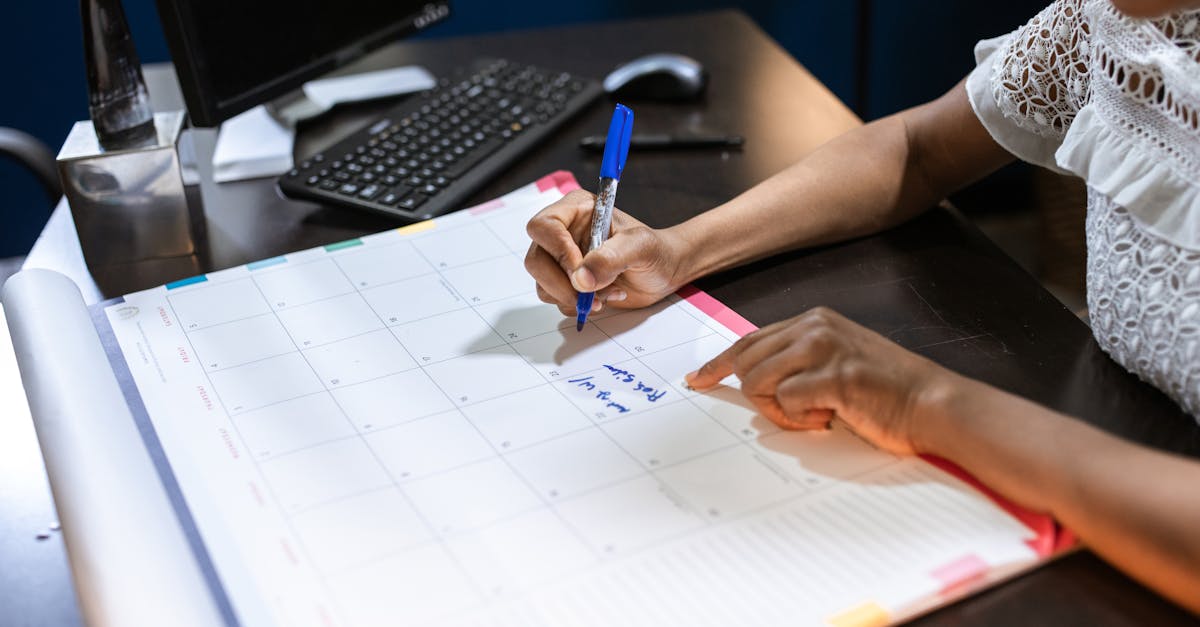
If you're sitting down to revise for exams, you're going to want a study timer for exam revision. Not just any timer—one that breaks your study sessions into focused blocks with proper breaks, because your brain doesn't work like a nuclear reactor. It needs fuel, recovery time, and the knowledge that there's a finish line coming.
This guide walks you through creating your own study timer setup, the techniques that actually work, and how to track how many focused hours you've really put in.
Why a Study Timer Matters for Exam Revision
Studying without a timer is like trying to cook without knowing how long things take. You end up either underdone or burnt.
When you revise for exams, three things happen without a timer:
- You overestimate how much you've studied. You spent 4 hours at your desk, but 90 minutes were "thinking about studying", 40 minutes were scrolling, and 30 minutes were staring at the same paragraph. Real focused study time? Maybe 2 hours.
- Your brain gets tired and stops learning. Beyond 45–90 minutes of continuous study, your retention drops sharply. A timer forces breaks before you hit that wall.
- You don't know what "good progress" looks like. Is 2 hours of revision enough for one topic? You have no baseline. A timer lets you track: "I did 3 focused 25-minute blocks on algebra, then 2 on calculus. That's 2 hours 35 minutes of actual work."
Research shows that spaced repetition with focused study windows works better than cramming. A timer enforces both the focus and the spacing.
How to Create Your Study Timer Setup
Creating a study timer doesn't mean buying an app or a special device. You can start with the device you're reading this on right now.
Step 1: Choose your timer tool. You can use your phone's native timer app, an online timer, a kitchen timer, or a browser extension. Honestly, it doesn't matter which—as long as it makes a sound when time's up and you'll actually use it. Our free timer works for this if you want a distraction-free option.
Step 2: Decide your block length. For exams, the sweet spot is usually 25–50 minutes. If you're revising pure content (reading notes, watching videos), 45–50 minutes is fine. If you're doing active recall (self-testing, writing practice answers), 25–30 minutes is better because it requires more mental effort. You'll know which you're doing—active recall feels harder.
Step 3: Set a break schedule. After each study block, take 5–10 minutes away from your desk. After 3 or 4 blocks, take a longer 15–30 minute break. Shorter breaks keep you in revision mode. Longer breaks let your brain consolidate what you just learned.
Step 4: Plan your day backwards from your exam date. Calculate how many days you have until your exam, then work out how many weeks that gives you. If you have 6 weeks and 12 topics to revise, that's roughly 3 days per topic. On a 2-hour study day with four 30-minute blocks, that's 2 hours per day × 6 days a week = 12 hours per topic. Tight, but doable.
The Pomodoro Technique for Exam Revision
The Pomodoro Technique is the most researched study timer method, and for revision it's gold.
What it is: 25 minutes focused work, 5 minutes break. Repeat 4 times. Then take a longer 15–30 minute break.
Why it works for exams:
- The 25-minute block is psychologically manageable. Telling yourself "I'll study for 2 hours" makes you procrastinate. Telling yourself "I'll do one 25-minute block" feels achievable. Once you start, you often keep going.
- The 5-minute break prevents burnout. You step away, grab water, move your legs. Your brain shifts gears. When the timer goes again, you're genuinely fresh.
- Four blocks = 2 hours of actual focused work. This is more than enough for one revision session. Anything longer and your retention per minute drops.
Our guide to the Pomodoro Technique has the full breakdown, but here's the quick version: start your timer right now, and commit to 25 minutes of focused work. No checking your phone. No tabs open except the thing you're studying. When the timer goes, stop. Take your break. Then do it again.
For exam revision, you might structure your day like this:
- Session 1: 4 Pomodoros on Topic A (2 hours)
- Lunch or long break (1 hour)
- Session 2: 4 Pomodoros on Topic B (2 hours)
- Evening: 2 Pomodoros reviewing what you learned (1 hour)
That's a 6-hour day but only 5 hours of real focused study time. Your brain is fresh, you've covered two topics, and you've reviewed. That's a good day.
Breaking Down Your Revision Into Timed Blocks
Not all studying is the same, so your timer strategy shouldn't be either.
Passive study (reading, watching videos): 45–50 minutes per block. You're not actively retrieving information, so you can go longer. A 50-minute block gets you through a full chapter or video lecture without breaking your flow.
Active study (practice questions, writing essays, flashcards): 25–30 minutes per block. This requires your working memory at full load. After 25 minutes, you need a break or you start making careless mistakes.
Mixed study (notes + practice): Alternate blocks. Do 30 minutes of active work, take a short break, then 40 minutes of passive review. The mix keeps you engaged.
Review sessions: 20-minute blocks. Revisit something you learned 3 days ago. Quick 20-minute block to refresh it in long-term memory. This is where spaced repetition magic happens.
Here's what a real exam-revision day might look like:
| Time | Activity | Timer |
|---|---|---|
| 9:00–9:45 | Read Chapter 3 + make notes | 45 min |
| 9:45–9:55 | Break | — |
| 9:55–10:20 | Practice questions on Chapter 3 | 25 min |
| 10:20–10:35 | Break | — |
| 10:35–11:15 | Watch supplementary video | 40 min |
| 11:15–12:00 | Lunch / long break | — |
| 12:00–12:30 | Review Chapter 1 (learned last week) | 20 min |
| 12:30–12:55 | Practice essay question | 25 min |
That's 3 hours 10 minutes of actual study, spread across 4 hours. Sustainable. Effective. Your brain isn't fried.
Tools to Support Your Study Timer
Beyond just a timer, a few tools make revision planning easier and more structured.
Our free timer is straightforward—set it and go. No ads, works offline. But the real power comes from combining it with planning tools. Your exam countdown calculator turns "I have ages" into "I have 34 days" into "I have 34 days and need 12 study hours per day to cover 14 topics, that's 2.4 hours per topic." Numbers are motivating.
Calculate the weeks between today and your finals to break your revision into weekly targets. "16 weeks until finals" is planning. "That's 112 days, or 560 hours of study if I do 5 hours a day" is commitment.
If you're a student, the back-to-school countdown tracks term dates so you know exactly when exams land relative to holidays. And if your exam dates change, add or subtract days from your date to shift your revision schedule forward.
Spreadsheet tracker — yes, really. Make a simple sheet:
- Column 1: Topic
- Column 2: Blocks completed
- Column 3: Total hours spent
- Column 4: Date last reviewed
Check off blocks as you go. By week 3, you'll see progress in numbers. That's motivating in a way "I studied hard today" isn't.
Frequently Asked Questions
Q: Is 25 minutes too short? Feels like I'm just getting started.
A: That's actually when you should stop. You want to finish while you're still engaged, not when you're burned out. The magic of the Pomodoro isn't the 25 minutes—it's the consistency. Four 25-minute blocks beat two 50-minute blocks because breaks actually help learning.
Q: Can I do longer blocks if I'm revising easier topics?
A: Yes. If you're reviewing something you already understand, 45–50 minutes is fine. But the moment you notice yourself rereading the same paragraph three times, you've hit your limit. Stop, take a break, and come back. That's what the timer is for.
Q: What if I miss a day or don't hit my timer target?
A: You adjust. If you planned 10 hours of study this week and only did 7, you add 3 hours next week. Not 3 hours on top of your plan—you just move it forward. Use our date calculator to shift your revision schedule. Exams don't move, but your plan can.
Q: Should I study past 9pm? Impacts my sleep.
A: No. Bad sleep before an exam is worse than missing 1 hour of revision. Study until 9pm, then stop. Your brain consolidates learning while you sleep anyway. Go to bed on time.
Q: How many hours a day should I study for exams?
A: 4–6 hours of focused study is realistic for someone with other commitments (school, part-time work, life). If you're a full-time student with exams only, 6–8 hours is doable. Anything over 8 hours a day is diminishing returns—you'll retain less per hour. Quality beats quantity.
Q: What if I have exams across 3 months?
A: Break it into phases. Weeks 1–4: cover new material (longer, passive blocks). Weeks 5–8: mixed review and practice. Weeks 9–12: practice exams and weak topics only. Use your exam countdown to time the phases.
Q: Do I need an app or is a simple timer enough?
A: A simple timer is enough. Fancy apps with notifications and streak tracking can actually distract you. If it distracts you, it's the wrong tool. Grab your phone's native timer, our free browser timer, or a kitchen timer and go.
Final Thoughts
A study timer does one simple thing: it makes time visible. Without it, 4 hours at your desk feels like 4 hours of studying. With it, you know it's actually 2.5 hours of focused work, and that's worth something.
Start with tomorrow. Pick a topic. Set your timer for 25 minutes. When it goes off, stop. Take your break. Repeat. After four blocks, you've got 2 hours of real revision done. That's a win.
The exam isn't going anywhere. But your timer just bought you clarity on how much time you actually have and how to use it.